|
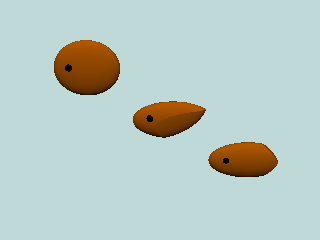
「Body」
    object {Fish1}
	object {Fish2}
		object {Fish3}
|
|
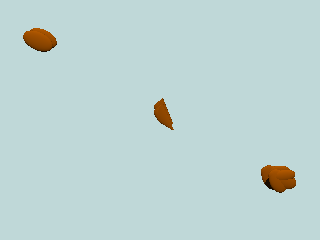
「Side fins」
    object {SideFin1}
	object {SideFin2}
		object {SideFin3}
|
|
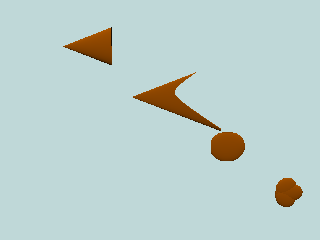
「Tail fins」
    object {TailFin1}
	object {TailFin2}
		object {TailFin3}
			object {TailFin4}
|
|
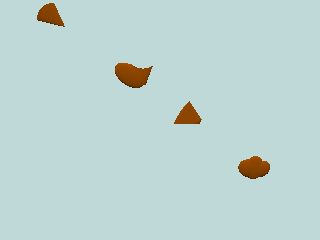
「Back fins」
    object {BackFinX1}
	object {BackFinX2}
		object {BackFinX3}
			object {BackFinX4}
On the place of X use the number of body you used. For example if you used Fish1 write BackFin11. |
|
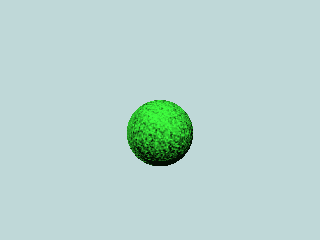
「Marimo」
object {Marimo (S)}
On the place of S use the size that you want your marimo to be. Until S=4 it looks OK but after that it will go into ground. |
|
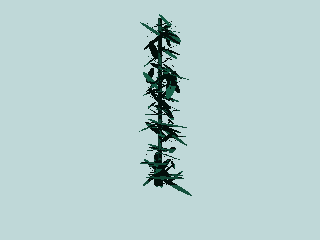
「Seaweed」
object {Seaweed1 (W,H)}
On the place of W use the width you want your seaweed and on H the height. In the picture it is (1,1). |
|
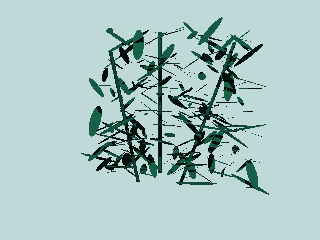
「Seaweed」
object {Seaweed2 (W,H)}
On the place of W use the width you want your seaweed and on H the height. In the picture it is (1,1). |
|
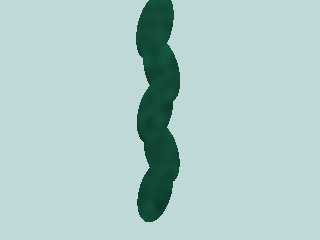
「Seaweed」
object {Seaweed3 (W,H)}
On the place of W use the width you want your seaweed and on H the height. In the picture it is (1,1). |
|
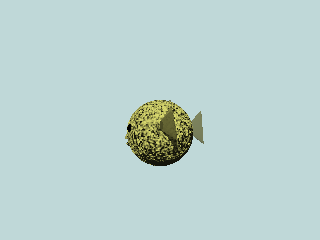
「Puffer fish」
object {Puffer}
|
|
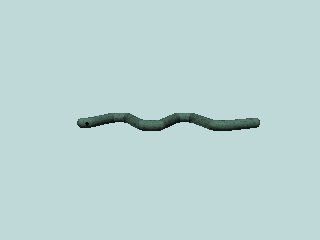
「Seasnake」
object {Seasnake}
|
|
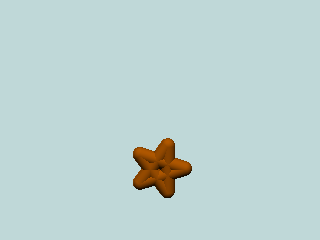
「Sea star」
object {Star}
|
|
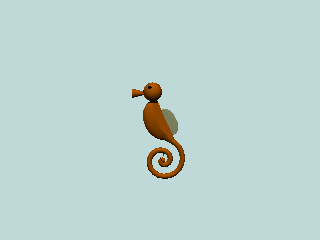
「Seahorse」
object {Seahorse}
|
|
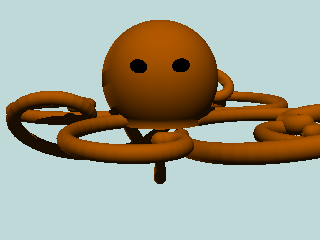
「Octopus」
object {Octopus}
|
|
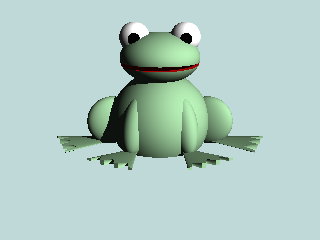
「Frog」
object {Frog}
|
|
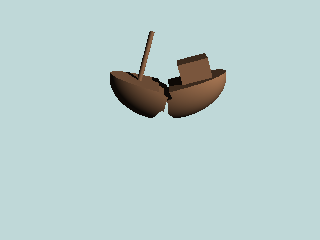
「Shipwreck」
object {Shipwreck}
|
|
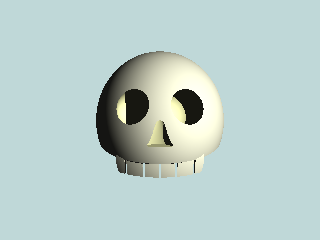
「Skull」
object {Skull}
|
|
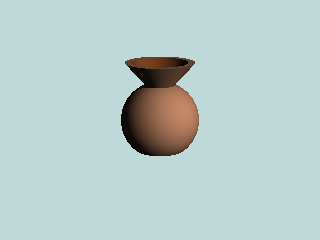
「Pot」
object {Pot}
|
|
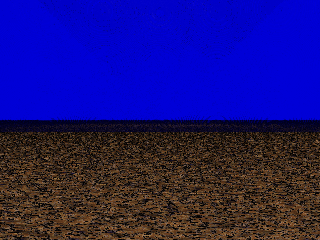
「The water」
object {Waterpool}
Using is optional. Also possible to just use a blue background. |
|
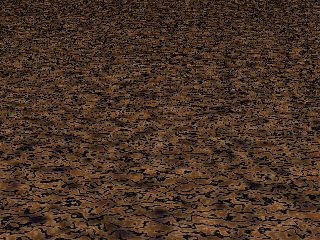
「The ground」
object {Seafloor}
|