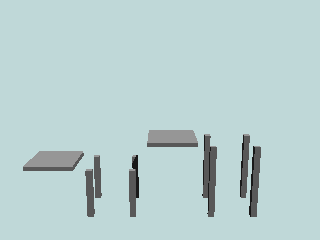
Tables
object { TableLowA (width, length)}
	object { TableLowLegA (width, length) }
		object { TableHighA (width, length)}
			object { TableHighLegA (width, length)}
You need to add a width and a length for the tables and their legs. In the picture they are all (1, 1). |
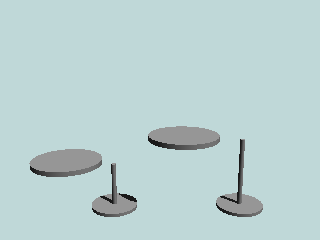
Tables
object { TableLowB (width, length) }
	object { TableLowLegB }
		object { TableHighB (width, length) }
			object { TableHighLegB}
You need to add a width and a length for the tables. In the picture they are (1, 1). |
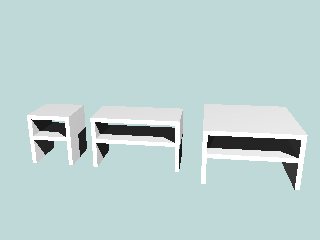
Tables
object { TableC1 }
	object { TableC2 }
		object { TableC3}
|
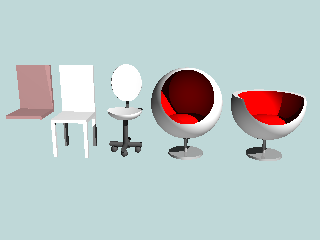
Chairs
object { ChairA2 }
	object { ChairA1 }
		object { ChairB }
			object { ChairC }
				object { ChairD }
ChairA2 is a cushion for ChairA1. |
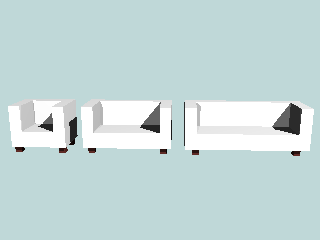
Sofas
object { SofaA1}
	object { SofaA2 }
		object { SofaA3}
|
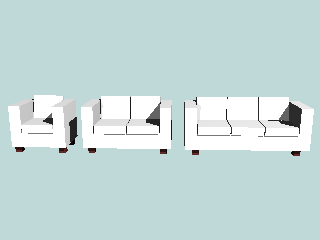
Sofas
object { SofaB1 }
	object { SofaB2 }
		object { SofaB3}
|
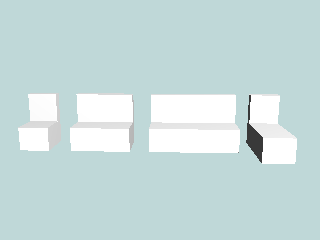
Sofas
object { SofaC1 }
	object { SofaC2 }
		object { SofaC3 }
			object { SofaC4}
|
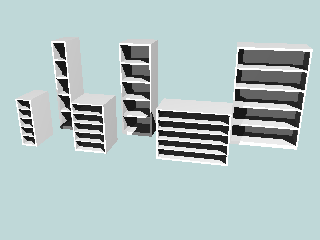
Shelves
object { Shelve4 }
	object { Shelve5 }
		object { Shelve6 }
object { Shelve1 }
	object { Shelve2 }
		object { Shelve3 }
|
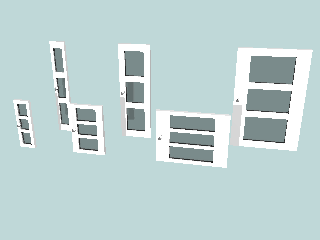
Doors (for shelves for example)
object { DoorRight4 }
	object { DoorRight5 }
		object { DoorRight6 }
object { DoorRight1 }
	object { DoorRight2 }
		object { DoorRight3 }
If you want the doorknob to be on the other side, you can also use the left side door. For example: object { DoorLeft1 } The numbers are same as for the right side door. |
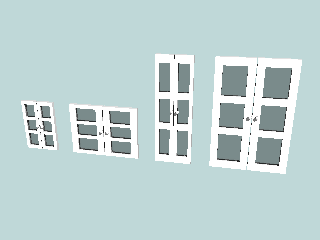
Doors (for shelves for example)
object { Doors1 }
	object { Doors2 }
		object { Doors3}
			object { Doors4}
|
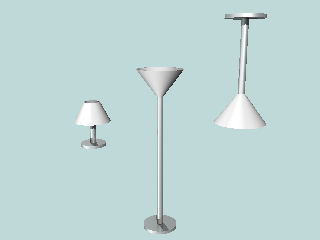
Lamps
object { Lamp1 }
	object { Lamp2 }
		object { Lamp3}
|
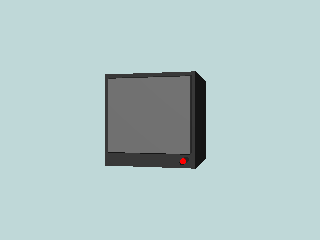
TV
object { TV}
|
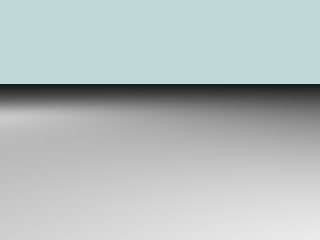
Floor
object { Floor}
You should add a pigment or texture, for example: pigment {DMFLightOak} |

Wall
object { Wall (width)}
You need to add a width of the wall, in the picture it is 1. |
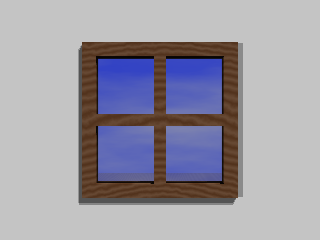
Window
object { Window}
There needs to be a hole in the wall if you want to see through the window.
If you want to add a window to the wall, you can do this, for example:
#declare WallWithWindow = merge{
	difference{
		object { Wall (10)}
		object {HoleForWindow  translate <0,-2,0>}
	}
	object {Window translate <0,-2,0>} //Both the Window and the Hole needs to be at the same place.
}
object{WallWithWindow}
|
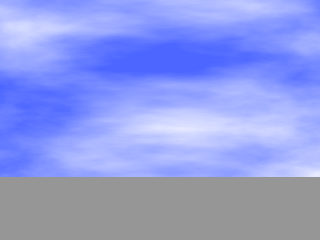
Sky
sky_sphere {Sky}
|